Proportional Width or Height
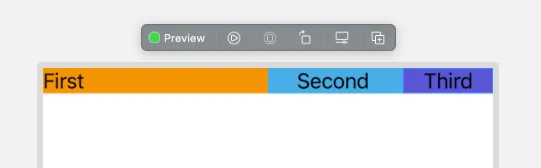
You can size a view by percentage in SwiftUI with a GeometryReader and a line like .frame(width: metrics.size.width * 0.20), where 0.20 means 20% of the available width and 1.0 means all of it.
A
GeometryReaderis a container view that defines its content as a function of its own size and coordinate space.
Here is the example for width.
GeometryReader { metrics in
    HStack(spacing: 0) {
        Text("First")
            .frame(width: metrics.size.width * 0.50, alignment: .leading)
            .background(.orange)
        Text("Second ")
            .frame(width: metrics.size.width * 0.30)
            .background(.cyan)
        Text("Third")
            .frame(width: metrics.size.width * 0.20)
            .background(.indigo)
    }
}
alignment: .leadingthis only serves to align the content.
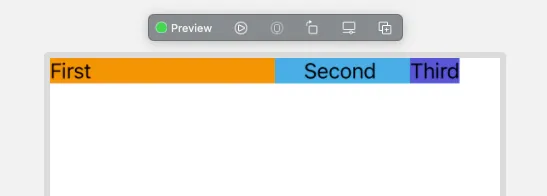
You can remove the frame of the last element so that it fills the necessary if you wish.
This works the same way for landscape mode.
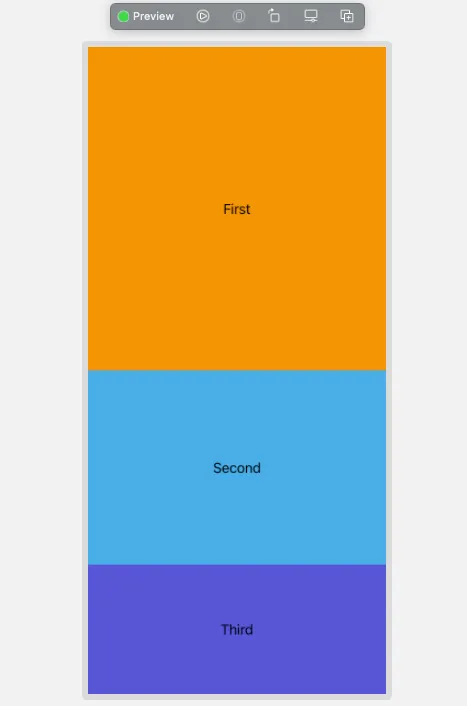
GeometryReader { metrics in
    VStack(spacing: 0) {
        Text("First")
            .frame(height: metrics.size.height * 0.50)
            .frame(maxWidth: .infinity)
            .background(.orange)
        Text("Second")
            .frame(width: .infinity, height: metrics.size.height * 0.30)
            .frame(maxWidth: .infinity)
            .background(.cyan)
        Text("Third")
            .frame(width: .infinity, height: metrics.size.height * 0.20)
            .frame(maxWidth: .infinity)
            .background(.indigo)
    }
}- The second frame
.frame(maxWidth: .infinity)is just to make the Text full width, just for teaching purposes.